

Why We Chose Progressive Web App (PWA) over Native Apps and Saved Partners 57% on Mobile
Growing a distribution network through partner-led channels means providing omnichannel access to your partners. A mobile-first approach is key to closing deals faster.
Partners worked outside the office, used personal devices and needed to get things done on the go. We ran the numbers and looked at the use cases. The cost of going native was hard to justify, and our workflows didn’t require anything a Progressive Web App (PWA) couldn’t handle.
The real cost of native mobile development
Building a native application is much more than adapting an existing product to a smaller screen. A standard native mobile strategy means maintaining three separate product environments:


Each environment requires development, testing, release management and ongoing support. Even with a cross-platform framework, the team still has to manage mobile-specific builds, OS requirements, device compatibility and app-store releases.
The full cost typically includes:
- separate mobile development;
- specialised mobile engineers or an external development team;
- mobile-specific UX and UI design;
- additional quality assurance;
- new or redesigned APIs;
- separate release pipelines;
- testing across devices and OS versions;app-store registration and compliance;
- application review and publication;
- security and compatibility updates;
- support for users running older versions;
- coordination between web and mobile roadmaps.
Costs continue after launch. Every new feature has to be built and tested across multiple environments. Changes to forms, statuses, roles, documents or business rules have to stay in sync across all of them. New versions have to be prepared, reviewed, published and installed.
According to Clutch (June 2026), the average mobile app development project costs around $90,800 and takes approximately 11 months. Clutch also notes that building separate iOS and Android apps effectively doubles that figure, since each is a distinct project with its own codebase and ongoing maintenance.
Our initial estimate put the native-app route at approximately 2.3 times the cost of the PWA — a gap that would only widen after launch.
The product decision behind the technology
When we looked closely at the actual mobile use cases, the conclusion was clear: our users didn’t need a separate native product. They needed reliable mobile access to the workflows they already used in TYMY. A Progressive Web App could solve that problem at a significantly lower cost.
What a PWA means for the user
A PWA is a web application that behaves like an installed mobile app. Users open it from their phone and do the same things they’d expect from a native app. For the workflows TYMY covers, the practical difference is minimal.
One product instead of three
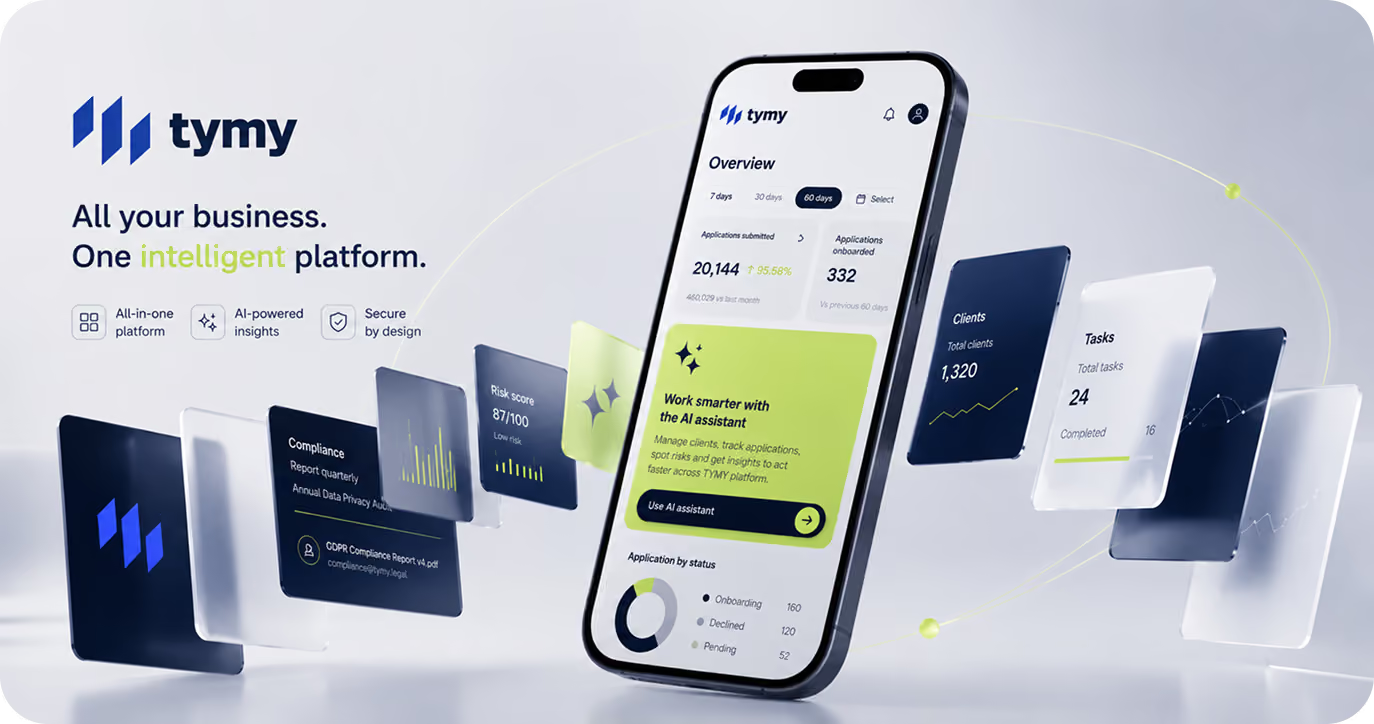
A native mobile strategy means maintaining three separate environments: web, iOS and Android. A PWA keeps everything in one core platform: one codebase, one release process and one set of business rules. The same workflow works from a desktop, tablet or phone. When a client updates a form, a document requirement or an approval process, it happens in one place, no need to coordinate separate releases across three environments.
Which functions are available in the PWA
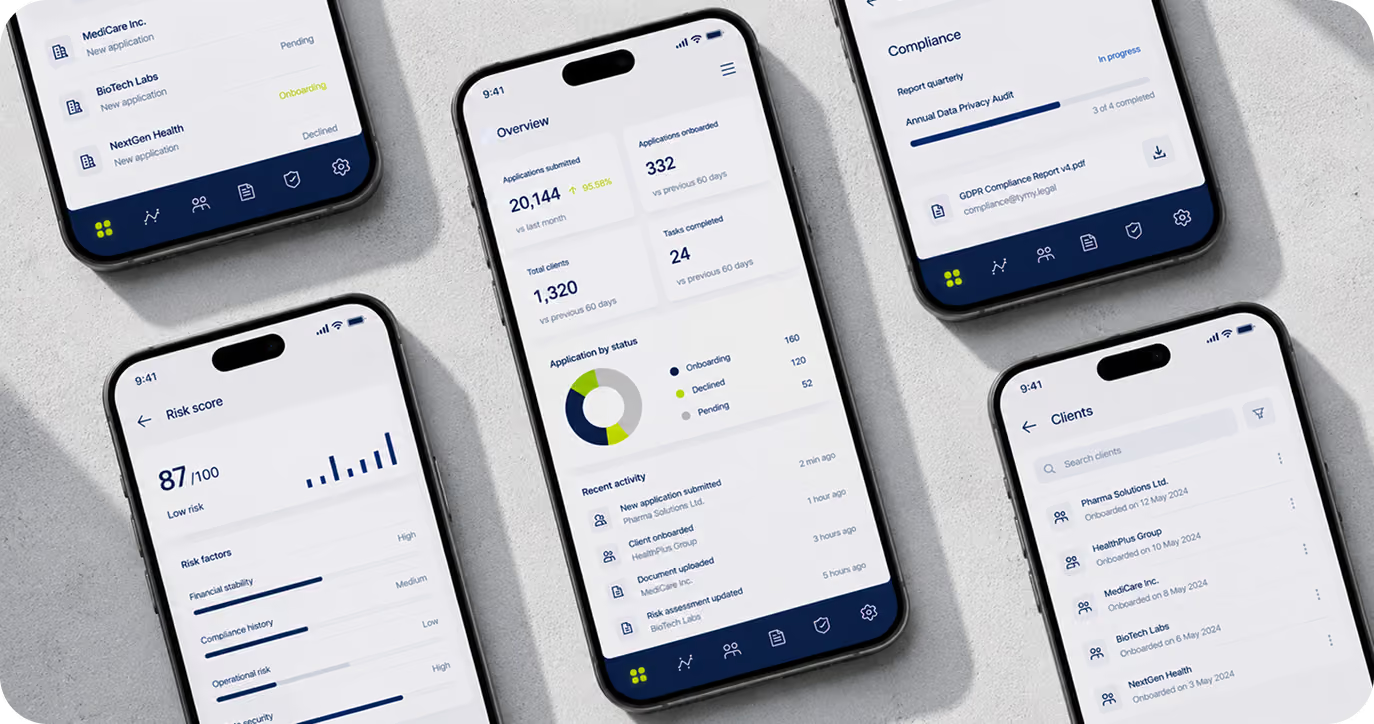
The PWA covers the core workflows agents and partners rely on day to day. Depending on client configuration, users can:
- register and complete onboarding;
- sign in securely with biometric authentication on both Android and iOS;
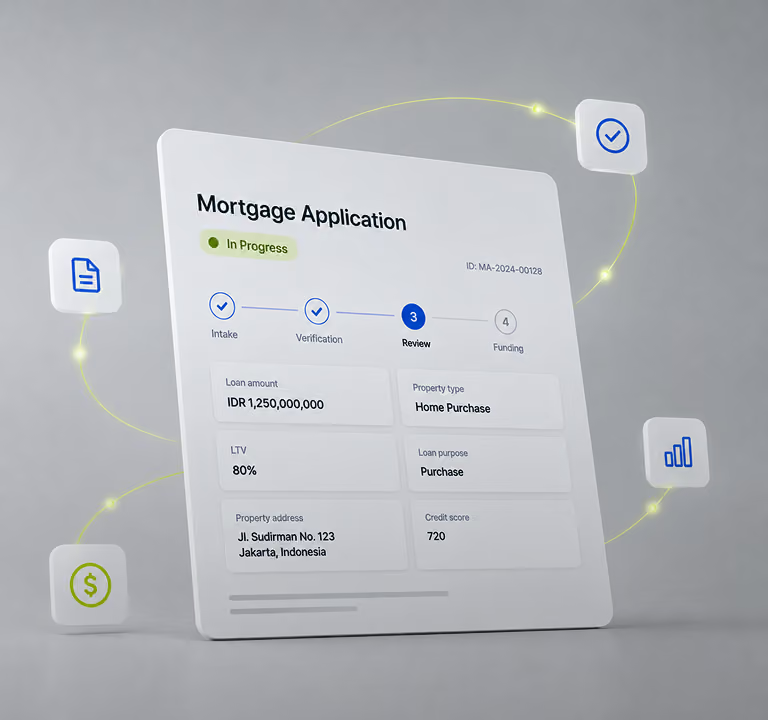
- submit customer applications;
- upload documents and images;
- complete forms;
- review missing or incorrect information;
- correct and resubmit applications;
- track application statuses;
- respond to requests for additional information;
- access product and training materials;
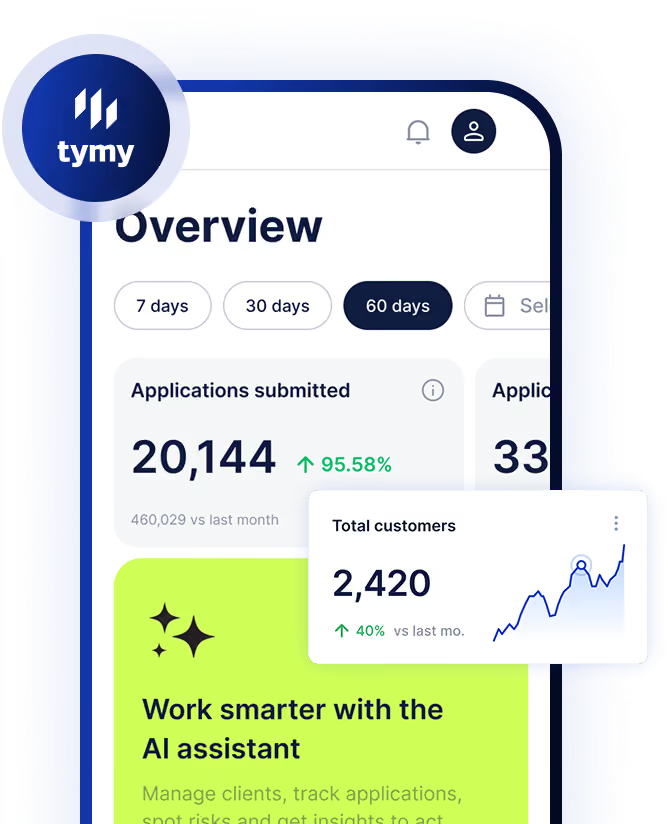
- view personal performance;
- monitor team performance where their role allows;
- manage referrals;
- work within agency, agent and sub-agent structures;
- access the platform from desktop, tablet or mobile.
These are the operational workflows that drive a partner-led sales channel. None of them require an expensive separate native application.
Faster implementation for new partners
A native app means a large upfront commitment before the channel has even been tested. With the PWA, TYMY reuses the existing mobile foundation and configures the client-specific layer. The client pays for implementing their business processes, not for rebuilding mobile infrastructure from scratch.
And because updates go out through the main platform, partners always work with the current version. There’s no separate build cycle, no app-store submission, no risk of different agents running different rules.
Easier white-label launches
TYMY can be deployed as a white-label platform. Each client gets their own:
- domain;
- visual identity;
- user roles;
- business rules;
- workflows;
- product configuration.
With native apps, every branded implementation may require:
- a separate store listing;
- individual certificates;
- screenshots and store descriptions;
- privacy disclosures;
- application reviews;
- release management;
- ongoing store compliance.
A PWA lets us customize the client-facing experience while keeping the technical foundation shared.
Reduced dependence on app stores
App stores are a familiar distribution channel but also an external dependency. Apps have to comply with platform policies. Reviews can delay publication. Requirements change. Updates may need additional revisions to get approved. For consumer products, store discovery matters.
For enterprise platforms, users typically get access through their employer, bank, agency or distributor. They’re not searching the App Store for it.
A PWA can be delivered through:

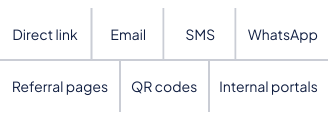
That gives the company direct control over access, onboarding and releases.
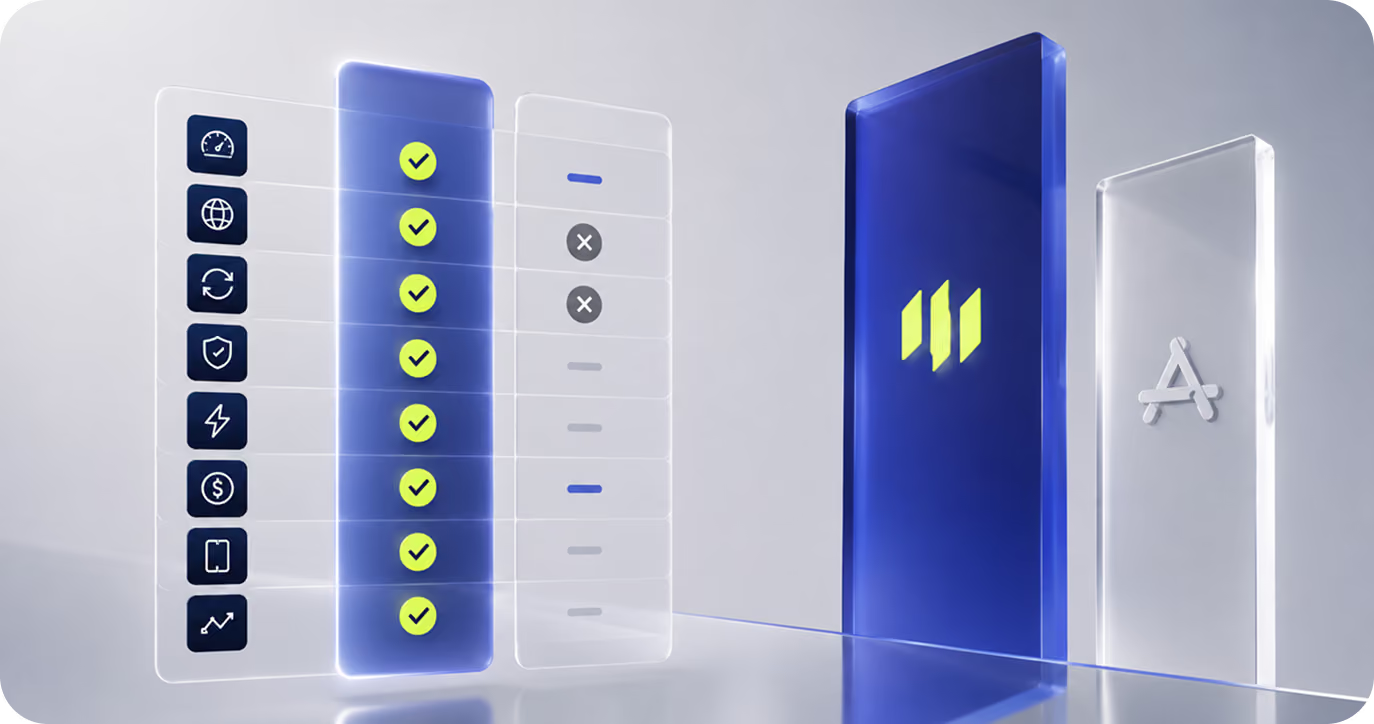
A few things worth flagging before you commit
Installation is less intuitive than a Native App
The installation flow varies across browsers and operating systems. Some devices show a prompt automatically. On others, users need to find «Add to Home Screen» in the browser menu.
That can require a short explanation during onboarding. In a managed B2B or B2E environment, it’s usually straightforward, users can get guidance from the company, their account manager or a support channel. In practice, this isn’t an issue for a professional audience.
[мокапы с установкой]
Performance holds up where it matters
PWA performance depends on engineering quality, not the technology itself. For the workflows TYMY covers: submitting applications, uploading documents, checking statuses — the platform is fast enough on the devices our partners actually use. We paid particular attention to lower-end devices and unstable connections, where performance gaps tend to show up first.
Device access is more limited
Native apps have broader, more predictable access to hardware. A PWA isn’t a great fit when the product depends heavily on:
- continuous background activity;
- advanced Bluetooth integration;
- NFC-heavy workflows;
- specialised sensors;
- intensive graphics;
- continuous background location;
- deep OS integration.
None of those were central to what TYMY needed to do.
Why this approach worked for TYMY
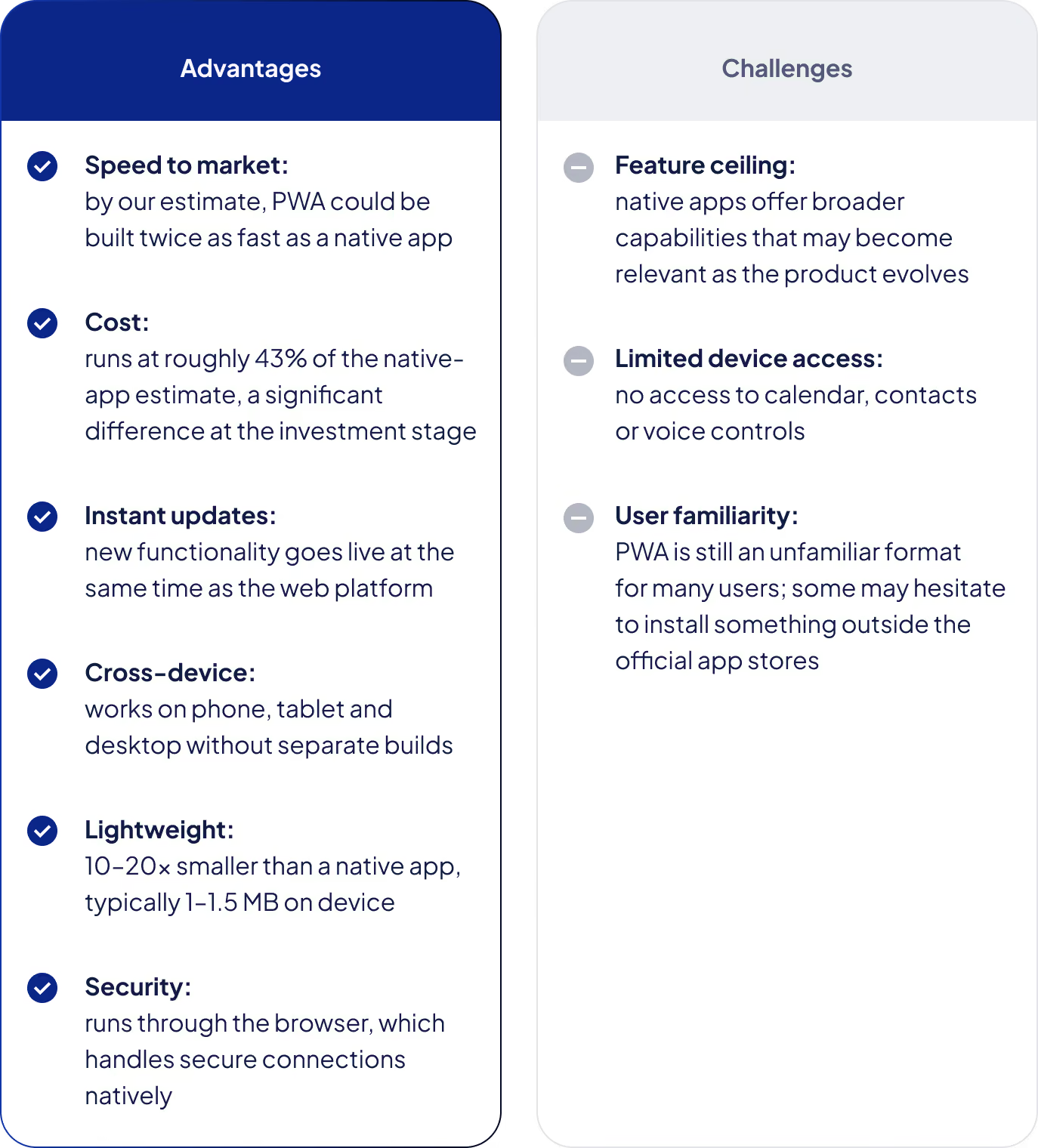
The PWA was the right fit, and the reason comes down to what TYMY actually is. TYMY’s value is in the workflows, the data, the partner management and the process automation. We didn't aim to build advanced graphics or background activity. Our users work in managed B2B, B2E and B2B2C environments, where onboarding support is available when needed. The PWA delivers the capabilities that matter for that context while avoiding most of the overhead that comes with maintaining separate native products.
When a native app is still the right call
Native development makes sense when:
- mobile is the primary product;
- peak interface performance is non-negotiable;
- deep hardware integration is required;
- extensive offline functionality is central;
- background processing is critical;
- app-store discovery drives acquisition;
- OS-level integration is core to the experience.
The technology should follow the product requirements. A native app is worth the investment when it unlocks capabilities that genuinely can't be delivered through a web-based product.
The result
TYMY’s job is to help companies build and scale efficient partner-led sales channels. Efficiency covers partner activation, conversion, revenue growth and operational control. It also covers the cost of the technology running the channel. The PWA gives agents and partners the mobile access they need. It lets clients launch faster, test new channels with less upfront investment and roll out process changes centrally. For the user, the core workflows are available from any device. For the client, the product is faster to implement, easier to maintain and cheaper to scale.